NC · article
Why 3 AI Experts Failed Before Me: The Architecture Mistakes That Kill Enterprise AI
Every month I get a message that starts the same way: 'We already tried AI. It didn't work.' Here's why - and what was actually wrong.
part of AI Reliability & Evaluation · 5 articles
A client sent me this message recently:
“We have already hired three so-called experts in the past who ultimately failed due to the scale and complexity of the work. We have also conducted dozens of interviews. I ask you to honestly and independently assess your own experience and determine whether you are truly capable of fulfilling this role.”
I hear variations of this every month. The frustration is real. The budget is burned. The stakeholders have lost confidence. And the team is starting to wonder whether AI is just hype.
It's not. The technology works. But 80.3% of enterprise AI projects fail - not because the models are bad, but because the architecture is wrong. RAND Corporation confirmed this in 2025. McKinsey's 2026 AI survey found that 73% of AI deployments fail to deliver ROI. Gartner reported that 42% of companies with active AI initiatives completely abandoned them.
The pattern is always the same: a talented developer builds a compelling demo. Leadership gets excited. They invest. Then reality - real data, real users, real scale - hits, and the system collapses. Not because the developer was incompetent, but because they were solving an architecture problem with code.
After inheriting and fixing more than a dozen failed AI systems, I've identified five architecture mistakes that account for nearly every failure I've seen. (I see these patterns so often that I built SystemAudit.dev - a codebase intelligence platform that analyses any GitHub repo for architecture quality, security risks, and test coverage in under 3 minutes. It's the audit I wish someone had run on every failed project I've inherited.)
Mistake 1: No Architecture, Just Code
The most common failure pattern: a developer builds an AI system the same way they'd build a web application - linearly, one feature at a time, with no upfront system design.
The demo looks great. It processes a sample document. It generates a reasonable response. The CEO sees it and says “ship it.”
Then they feed it 10,000 real documents. The embeddings overflow the vector store. The chunking strategy that worked on clean PDFs breaks on scanned images. The response time goes from 2 seconds to 45 seconds. The system that was “90% accurate” on curated test data drops to 60% on real-world inputs with noise, edge cases, and formatting inconsistencies.
What went wrong: There was no architecture. No component diagram. No data flow design. No failure mode analysis. The developer went straight from “problem statement” to “code” without the design phase that determines whether a system survives contact with reality.
When I built SureCiteAI's RAG system, it had 12 distinct components - embedding pipeline, hybrid search layer, temporal intelligence module, re-ranking engine, chunking strategy optimizer, and seven more. Each component was designed, tested, and optimised independently before integration. The result: a 94% retrieval hit-rate on a public benchmark run. That result didn't happen because I wrote better code. It happened because I designed better architecture.
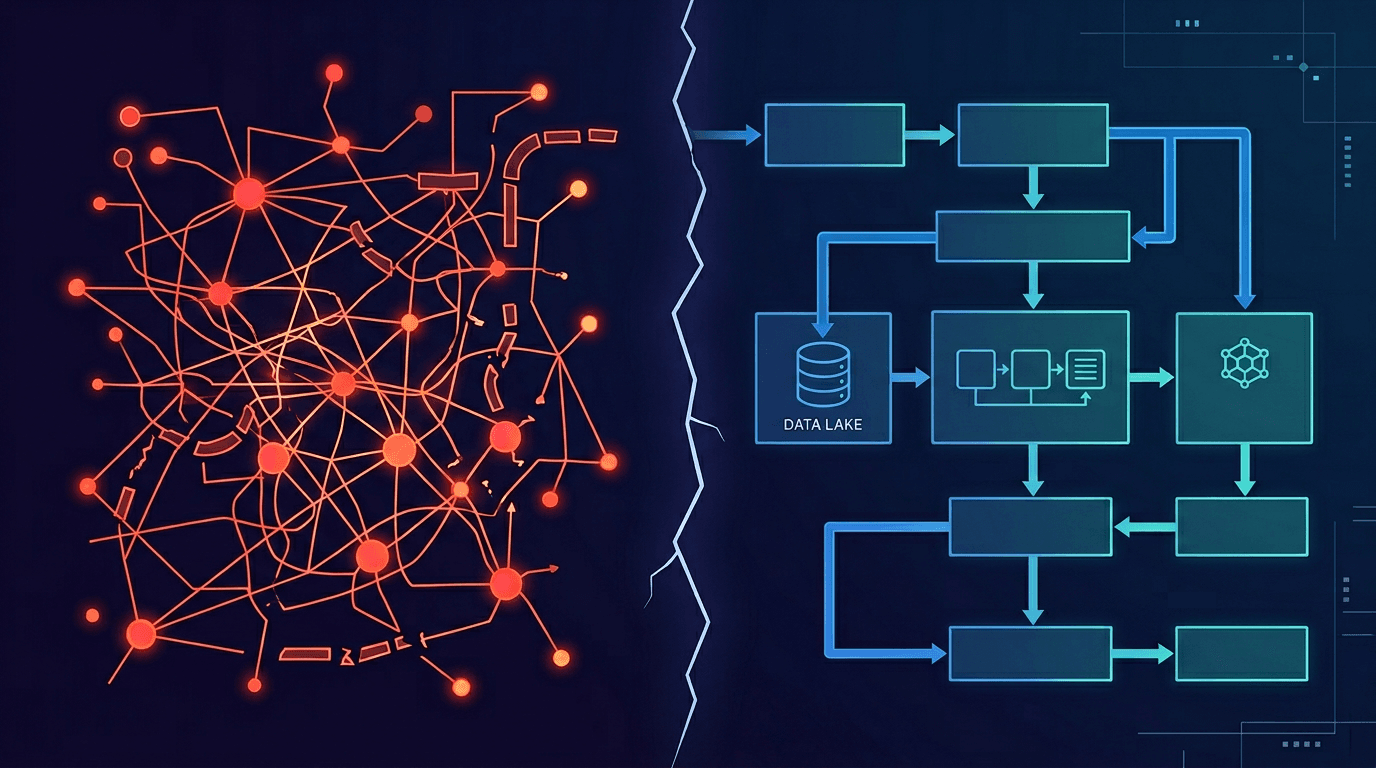
The fix: Before writing a single line of code, draw the system. Every component, every data flow, every failure mode. If you can't explain the architecture in a diagram, you don't have architecture - you have a script.
Mistake 2: Choosing the Wrong AI Pattern
RAG when they needed agents. Agents when they needed simple automation. Fine-tuning when RAG would have been 10x cheaper. This is the second most expensive mistake, because you often don't discover it until you're months into the build.
I see this constantly: a company hires a developer who knows one pattern well - usually RAG or basic chat - and applies it to every problem regardless of fit. When you have a hammer, everything looks like a nail.
Real example: A legal tech company hired a team to build an AI contract review system. The team built a pure vector search system - embed the document, query with a question, return the nearest chunk. It worked for simple lookups. But contract review requires extracting 100+ specific clauses from 200-page documents, comparing them against precedent, and flagging deviations. That's not a retrieval problem - it's a structured extraction and reasoning problem.
When I rebuilt the LPA Analyzer, I used hybrid search (vector + keyword), added a clause extraction pipeline, and implemented a comparison engine that matched extracted clauses against a template. Three distinct patterns working together. The previous team had tried to solve a multi-pattern problem with a single pattern.
The AI pattern landscape in 2026 looks like this:
- RAG (Retrieval Augmented Generation): Best for knowledge bases, document Q&A, and anything where the answer exists in your data. Not suitable for complex reasoning or multi-step workflows.
- Multi-agent systems: Best for complex workflows requiring planning, tool use, and coordination. Overkill for simple retrieval tasks. (Full guide here)
- Automation (n8n, Make, custom): Best for repetitive, rule-based workflows with clear triggers and outputs. Doesn't require LLMs at all in many cases.
- Fine-tuning: Best for changing model behaviour (tone, domain-specific reasoning, output format). Expensive and slow. Most companies don't need it.
The fix: Before committing to a pattern, write down what the system needs to do, not what technology you want to use. Match the pattern to the problem. If you're unsure, that's exactly when you need an architect - someone who has built with all of these patterns and knows when each one fits.
Mistake 3: No Design for Scale
The system works for 10 users. At 100 users it slows down. At 1,000 concurrent users it falls over completely.
This isn't a hypothetical. I've seen production AI systems with:
- No caching layer - every identical query re-embeds and re-searches from scratch
- No queue management - 50 simultaneous LLM calls overwhelm the API and cascade-fail
- No graceful degradation - one component failure takes down the entire system
- Synchronous processing of operations that should be async
- No connection pooling for database or API calls
These aren't advanced engineering concerns. They're basic architecture decisions that should be made in week one. But developers who build prototypes don't think about them, because prototypes don't have 1,000 users.
The fix: Design for 10x your expected load from day one. Add caching early. Use queues for LLM calls. Implement circuit breakers so one failure doesn't cascade. These decisions cost hours at design time but save months of rewriting later.
Mistake 4: The Integration Layer Is Duct Tape
The AI model works fine in isolation. The connection to the company's existing systems - CRM, ERP, document storage, email, databases - is held together with fragile scripts, hardcoded credentials, and no error handling.
I inherited a system where the AI pipeline wrote results directly to a production database with no validation, no retry logic, and no audit trail. When the database connection timed out (which happened regularly), the results were silently lost. The client thought the AI was “unreliable” - the AI was fine; the integration was broken.
Integration is where most AI projects actually break. Not at the model layer, not at the inference layer - at the point where the AI system meets the rest of the business.
What production integration looks like:
- Retry logic with exponential backoff for every external call
- Input validation before data enters the AI pipeline
- Output validation before results are written anywhere
- Comprehensive error logging with enough context to debug issues
- Health checks and monitoring dashboards
- Graceful fallback behaviour when external systems are down
The fix: Treat integration as a first-class architectural concern, not an afterthought. Budget as much time for integration as you do for the AI model itself. In my experience, integration accounts for 40-60% of total project effort on enterprise AI systems.
Mistake 5: Nobody Can Explain It to the Business
The previous hire was technically capable. They built a working system. But they couldn't explain what it did, why it mattered, or what the trade-offs were to non-technical stakeholders.
This is the mistake that kills projects politically, not technically. When the CFO asks “why is this taking so long?” and the answer is a jargon-laden explanation about embedding dimensions and vector similarity thresholds, confidence evaporates. When the board asks “what's the ROI?” and the answer is “accuracy improved by 12 basis points,” the budget gets cut.
Technical skill without stakeholder communication is project death. I've seen technically excellent AI systems get shut down because nobody could articulate the business case. And I've seen mediocre systems get expanded because someone could explain the value in terms the business understood.
The fix: Your AI lead needs to speak two languages - the language of architecture (components, patterns, trade-offs) and the language of business (time saved, cost reduced, risk mitigated). If they can only speak one, you have either a developer or a consultant - not an architect.
What the Right Architecture Actually Looks Like
After diagnosing what went wrong, the question is always: “So what should we have done instead?”
The answer is the same every time: start small, design big, prove fast.
- Discovery (1-2 weeks): Audit the existing data, systems, and workflows. Identify the single highest-ROI use case. Don't try to solve everything at once.
- Architecture design (1 week): Design the system before building it. Component diagram, data flow, integration points, failure modes, scaling strategy. This document becomes the project's source of truth.
- Focused pilot (4-6 weeks): Build one workflow end-to-end, including integration and monitoring. Not a demo - a production system handling real data with real users.
- Measure and iterate (2-4 weeks): Track the metrics that matter to the business. Time saved, accuracy on real data, cost per query, user adoption rate.
- Scale (ongoing): Once the first pilot proves value, expanding to adjacent workflows takes 2-4 weeks each because the architecture, infrastructure, and patterns are already established.
This is how I approach every engagement. The first pilot typically costs £15-40K and delivers measurable results within 60-90 days. Compare that to the $4.2-8.4M average cost of a failed enterprise AI project (RAND Corporation, 2025), and the economics are clear.
The Real Question Isn't “Can AI Work?” - It's “Do You Have the Right Architecture?”
If you've had a failed AI project, the technology probably wasn't the problem. The architecture was. And that means the project isn't dead - it needs different expertise.
The client who sent me that frustrated message? Their project is now in production. The AI model they were using was actually fine. What they needed was someone who could design the system around it - the components, the integration, the scaling strategy, and the ability to explain it all to the team.
That's what an AI architect does. And it's the role most companies don't know they need until they've already hired three developers who weren't it.
Not sure where your current project stands? Before spending another pound on developers or consultants, get an independent read on what's actually broken. SystemAudit.dev analyses any codebase and produces a plain-English report - architecture quality, security risks, test coverage gaps - in under 3 minutes. No technical knowledge needed to read the results. It's the first thing I run when a client asks me to diagnose a failing project.
Had a failed AI project? Start a conversation - I'll tell you honestly whether it's salvageable and what it would take to fix it. Or explore my AI consulting services to see how I approach enterprise AI engagements.
Read Next
Ready to discuss your AI project?
Book a free 30-minute discovery call to explore how AI can transform your business. Or if you already have a codebase, get an instant architecture report at SystemAudit.dev No technical knowledge needed, results in 3 minutes.
About the Author
Nic Chin is an AI Architect and Fractional CTO who helps companies design and deploy production AI systems including RAG pipelines, multi-agent systems, and AI automation platforms. He has delivered enterprise AI solutions across the UK, US, and Europe, and provides AI consulting in Malaysia and Singapore.